DTF Transfers SC
UV-DTF Rolling Gang Sheet
UV-DTF Rolling Gang Sheet
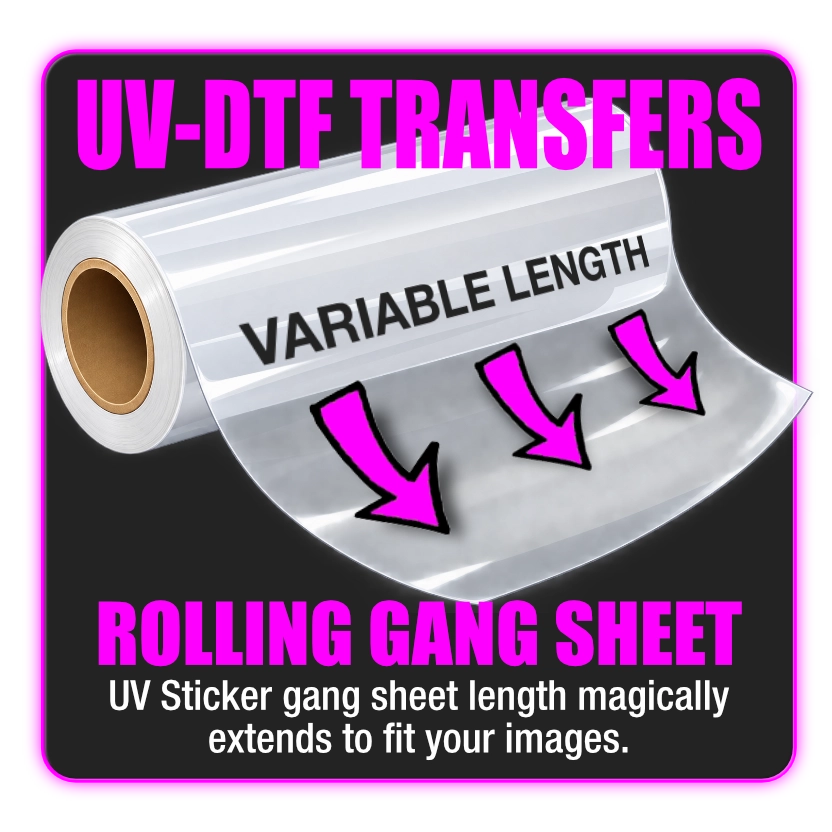
Upload your designs, choose your quantities and sizes, and our intelligent gang sheet builder automatically adjusts the film length in real time. Use only the space you need and pay only for what you use!
Select the BUILD IT button to upload your art files and let our gang sheet builder do all the hard work. If you already have a pre-built layout select the UPLOAD GANG SHEET option.
Artwork Requirements
Artwork Requirements
File Formats:
PNG files with transparent backgrounds, JPG, TIFF, EPS, PDF & SVG Files at 300 DPI preferably cropped to the live area.
Gang sheets have a maximum width of about 24.5" wide. Assemble your gang sheet manually or use the Auto Build feature and the software will best fit your images to save space.
If you have a layout for your gang already built you can choose to upload the gang sheet.
Press Instructions
Press Instructions
Clean Surface:
Ensure that the surface you are applying the sticker to is clean. Remove any visible debris before pressing.
1) Peel the clear backing off the sticker (the underside is tacky to the touch).
2) Carefully position and then place the sticker onto your substrate pressing from left to right, avoiding air bubbles.
3) Firmly press the sticker all throughout to ensure proper adhesion.
4) Carefully peel away the film leaving only the image onto the substrate.
Turnaround Times
Turnaround Times
Although we strive to offer same day printing jobs that arrive after 12PM may be pushed to next day (based on overall work volume).
We offer pick up at our Fort Mill facility or shipping via UPS Ground.
Share